Cat Collector Adding Custom Model Methods
Learning objective: By the end of this lesson, learners will be able to implement custom methods within Django models to manage and display business logic, specifically to check and display a cat’s daily feeding status.
In this lesson, we’re enhancing our cat feedings by adding notifications that indicate whether a cat has been fed for the day.
Adding a custom method to check the feeding status
A good practice in application development is to place business logic within the models, a concept known as “fat models / skinny views.” This practice helps keep your code clean and avoids repetition.
“Business logic” is a set of rules that determine how data can be created, stored, and changed. This logic includes any calculations or decisions that the application needs to make according to what the business requires. In the business of feeding cats, this includes messages to the user about whether their cats have been fed or not.
We will add a method to the Cat Model that determines if the cat has received enough feedings for the day, matching the number of MEALS defined.
Visual indicators for feeding status
When a cat has not been fully fed for the day, we’ll show:
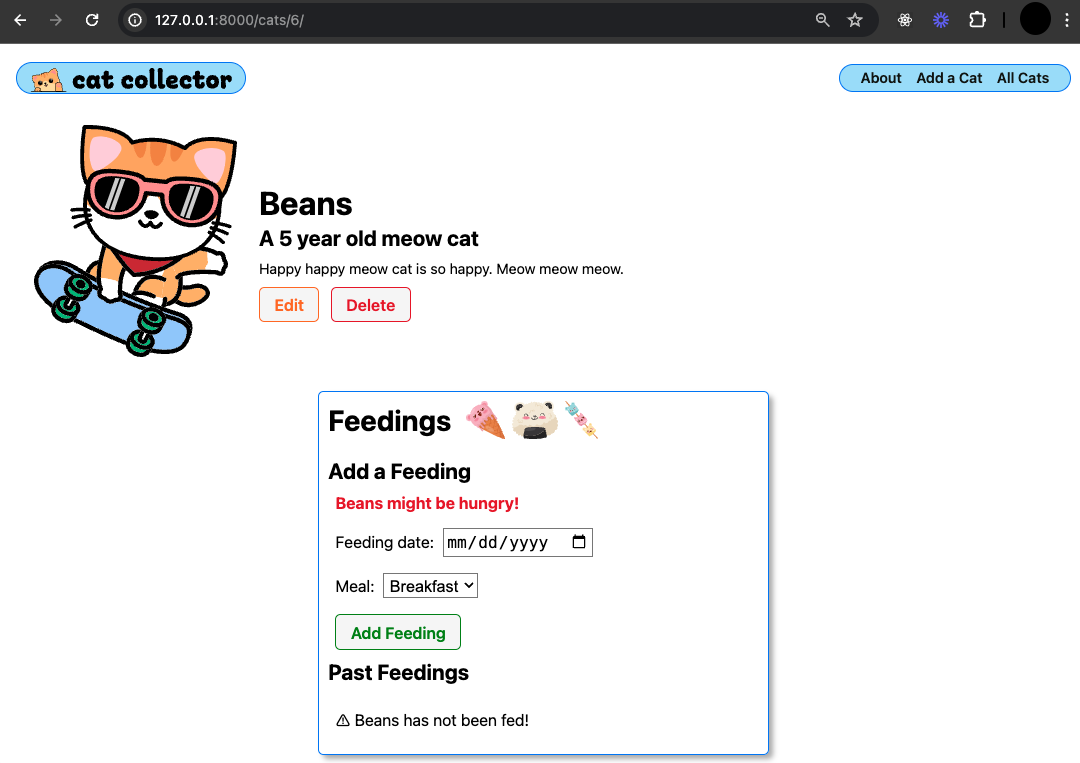
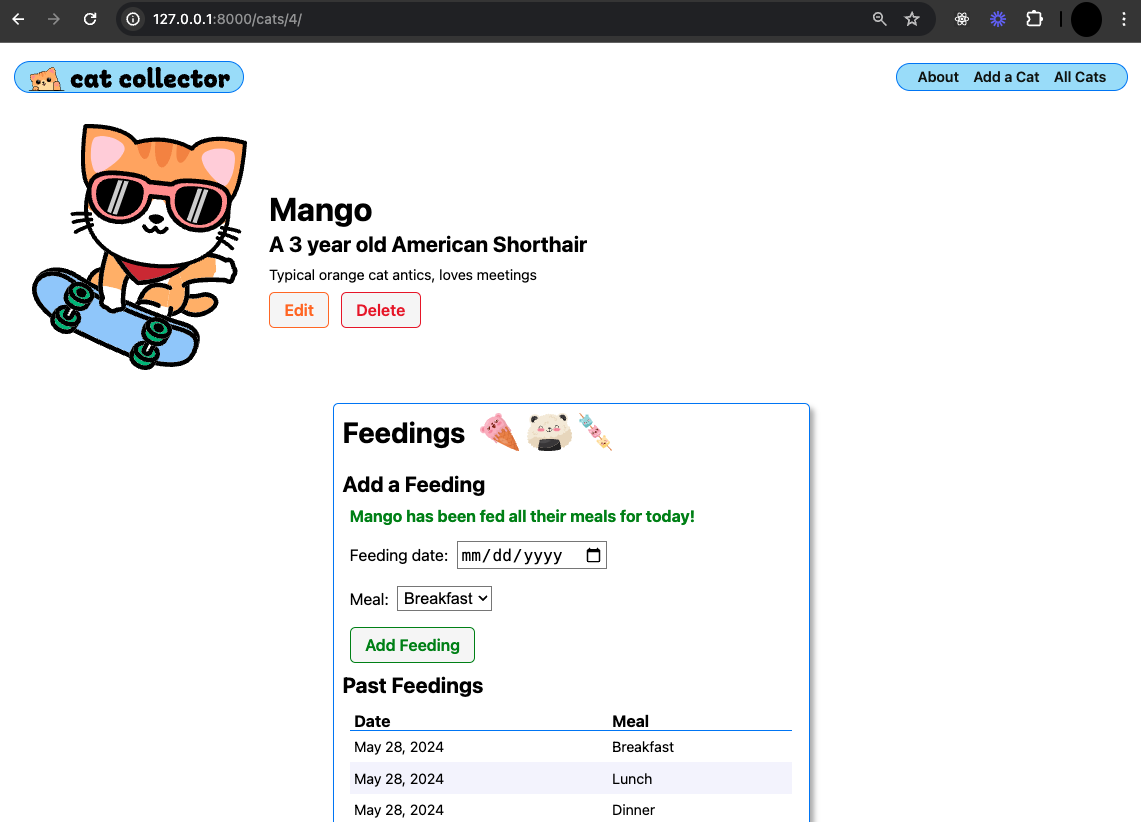
When the cat has received all its meals for the day:
The fed_for_today Custom Model Method
Now, we’ll implement a method in the Cat Model to check if the cat is fed enough for the day:
from django.db import models
from django.urls import reverse
from datetime import date  # Import date at the top of the models file

class Cat(models.Model):
    # Other class items here

    # add this new method
    def fed_for_today(self):
        return self.feeding_set.filter(date=date.today()).count() >= len(MEALS)
This method uses filter() to gather today’s feedings into a <QuerySet>, then uses count() to determine if the count meets or exceeds the number of meals. This method is more efficient than fetching all objects just to count them, as it avoids unnecessary data transfer from the database.
Update the detail.html Template
Lastly, we update the detail.html template to display the feeding status:
<form
  action="{% url 'add-feeding' cat.id %}"
  method="post"
  class="subsection-content"
>
  {% if cat.fed_for_today %}
  <p class="fed">{{cat.name}} has been fed all their meals for today!</p>
  {% else %}
  <p class="unfed">{{cat.name}} might be hungry!</p>
  {% endif %}
  {% csrf_token %}
  {{ feeding_form.as_p }}
  <button type="submit" class="btn submit">Add Feeding</button>
</form>
Notice the classes to change the color of the text to
redorgreenbased on the feeding status.
This template now dynamically displays a message based on whether the cat has been fully fed for the day.
Congrats on using a custom Model method to implement business logic!