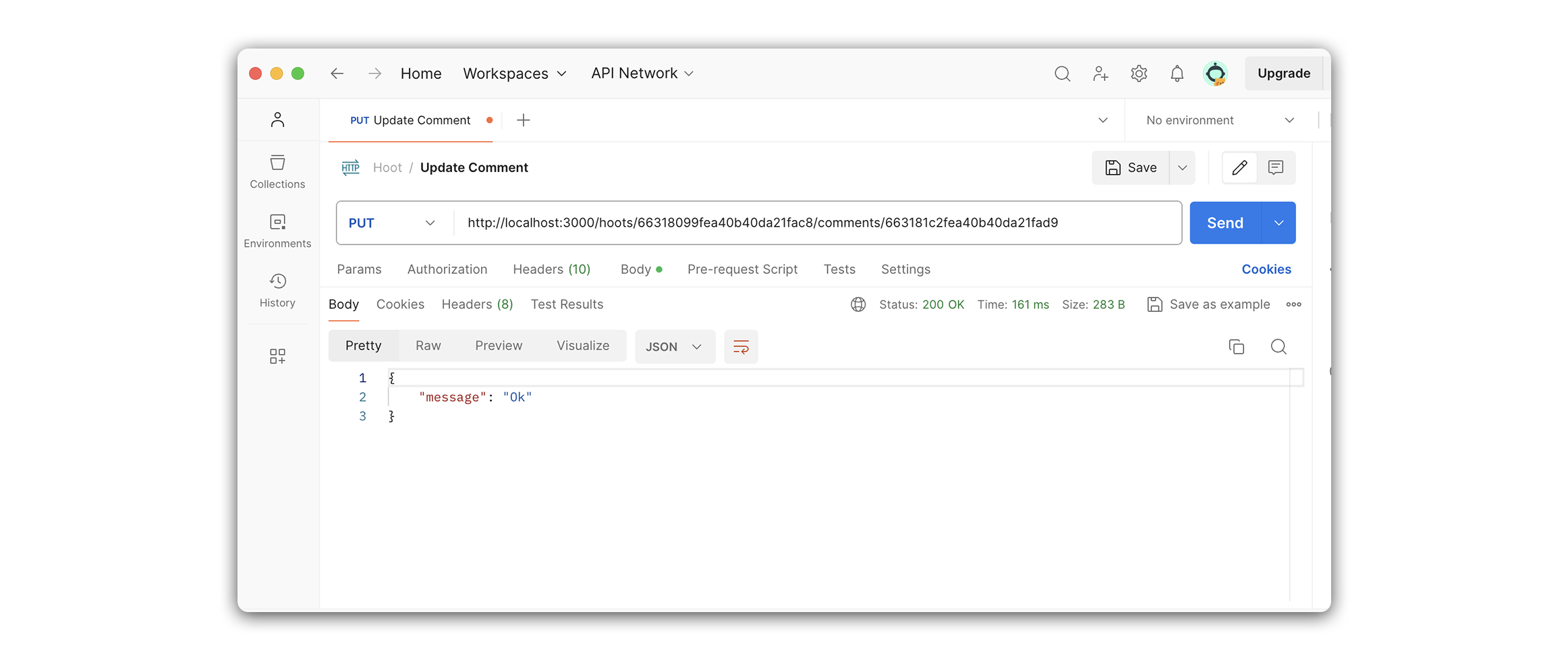
Hoot Back-End Update Comment
Learning objective: By the end of this lesson, students will be able build a route that updates embedded subdocuments inside a single hoot.
Overview
In this section, we will create an update route to find and update a single comment within a hoot.
We will be following these specs when building the route:
- CRUD Action: UPDATE
- Method:
PUT - Path:
/hoots/:hootId/comments/:commentId - Response: JSON
- Success Status Code:
200Ok - Success Response Body: A JSON status message.
- Error Status Code:
500Internal Server Error - Error Response Body: A JSON object with an error key and a message describing the error
Define the route
Our route will listen for PUT requests on /hoots/:hootId/comments/:commentId:
PUT /hoots/:hootId/comments/:commentId
Add the following to controllers/hoots.js:
// controllers/hoots.js

router.put("/:hootId/comments/:commentId", verifyToken, async (req, res) => {
  // add route
});
🧠 This route might be seem intimidating at first. It requires both a
hootIdand acommentId, so that we can locate both the parent, and the child document within it.
❗ A user needs to be logged in to update a comment, so be sure to include the
verifyTokenmiddleware.
Code the controller function
Let’s breakdown what we’ll accomplish inside our controller function.
-
First we call upon the
Hootmodel’sfindById()method. The retrievedhootis the parent document that holds an array ofcomments. We’ll need to find the specific comment we wish to update within this array. To do so, we can use the MongooseDocumentArray.prototype.id() method. This method is called on the array of a document, and returns an embedded subdocument based on the provided ObjectId (req.params.commentId). -
With the retrieved
comment, we update itstextproperty withreq.body.text, before saving the parent document (hoot), and issuing a JSON response with amessageofOk.
Add the following to controllers/hoots.js:
// controllers/hoots.js

router.put("/:hootId/comments/:commentId", verifyToken, async (req, res) => {
  try {
    const hoot = await Hoot.findById(req.params.hootId);
    const comment = hoot.comments.id(req.params.commentId);

    // ensures the current user is the author of the comment
    if (comment.author.toString() !== req.user._id) {
      return res
        .status(403)
        .json({ message: "You are not authorized to edit this comment" });
    }

    comment.text = req.body.text;
    await hoot.save();
    res.status(200).json({ message: "Comment updated successfully" });
  } catch (err) {
    res.status(500).json({ err: err.message });
  }
});
Test the route in Postman
Now that we have finished the route let’s test it with Postman. We’ll do this by sending a PUT request to /hoots/:hootId/comments/:commentId.
Create a new request called Update Comment and set the request type to PUT.
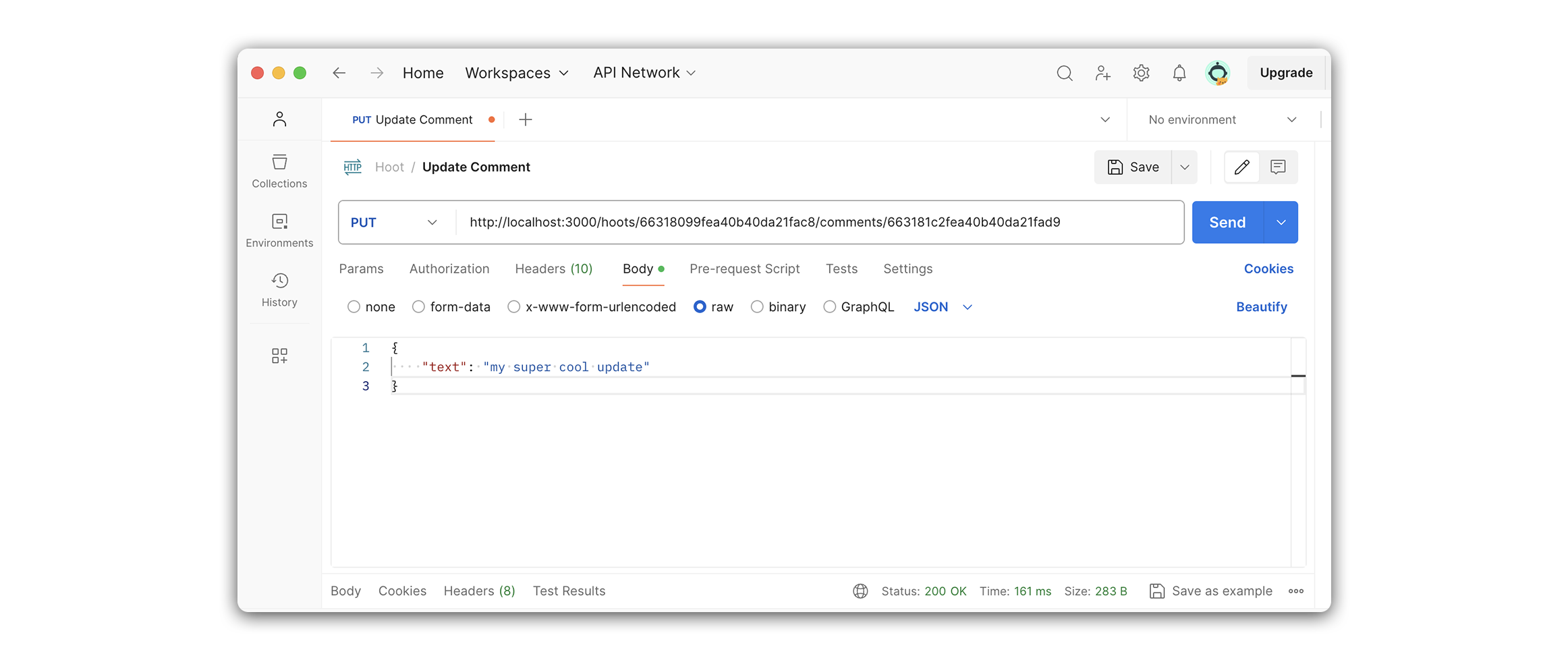
Your Postman URL should look something like this:
http://localhost:3000/hoots/63390dddff7c27bc4b86a1aa/comments/633915e08845c5a891cd4bf2
Add the following to the Postman body section.
{
  "text": "my super cool update"
}
Your Postman request should look something like this.
The response should be an object containing a message: "Comment updated successfully" property: