Intro to Asynchronous Programming
setTimeout()
Learning objective: By the end of this lesson, students will be able to utilize the setTimeout() method in JavaScript.
What is the setTimeout() method?
A great example of asynchronous code in JavaScript is the global setTimeout() method. The setTimeout() method is designed execute a callback function after a specified amount of time. The setTimeout() method is asynchronous; it breaks from the ordered execution of code and does not block the execution of later lines of code.
Anatomy of setTimeout()
The setTimeout() method is constructed like this:
setTimeout(callback, delay);
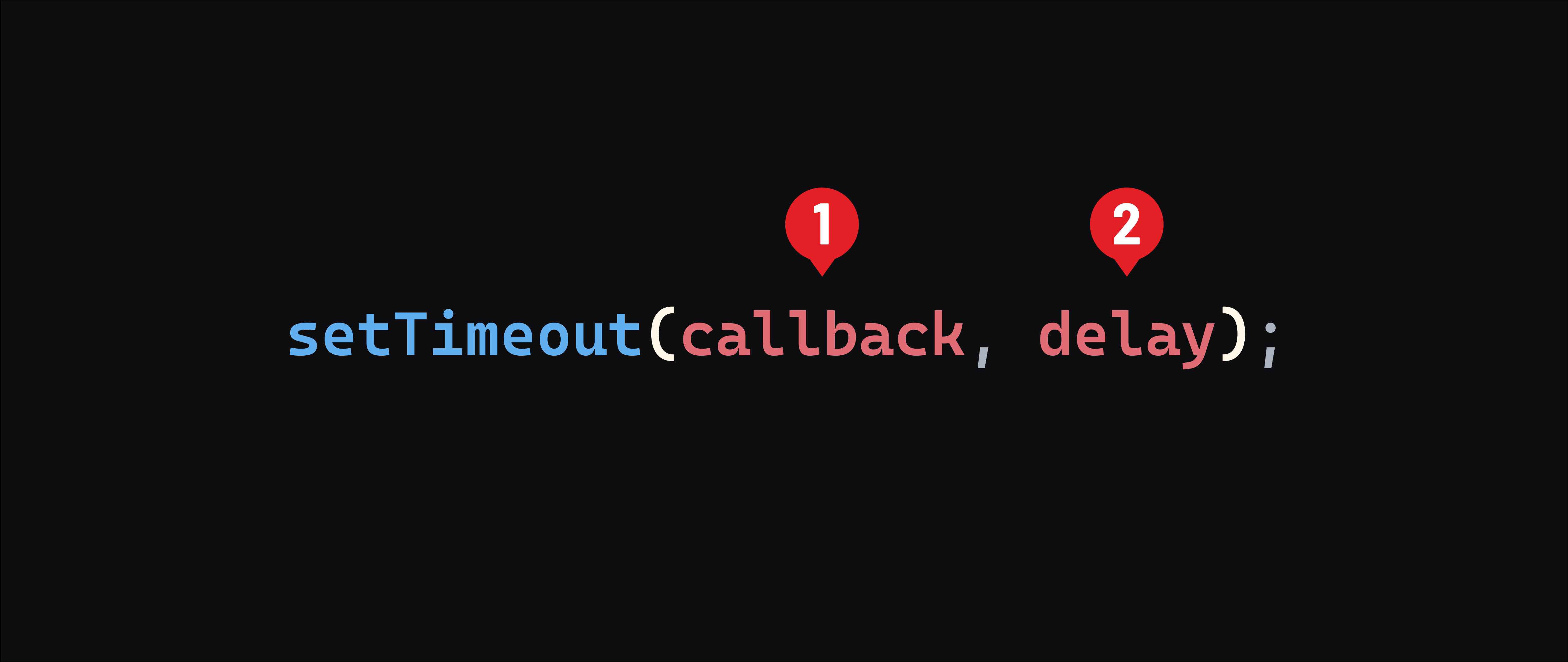
callback- This is the function thatsetTimeout()will execute after the specified delay. It can be either a named function or an anonymous function.delay- This specifies the amount of time to wait before executing thecallback, measured in milliseconds. For example, a delay of 1000 milliseconds equates to 1 second.
Understanding the asynchronous nature of setTimeout()
By default, JavaScript operates synchronously, meaning code is executed sequentially, line-by-line. Each line must complete its task before the following line begins execution.
For instance, in the following synchronous code, each console.log() statement prints out in the order they are written:
console.log("First");
console.log("Second");
console.log("Third");

// Output ->
// First
// Second
// Third
However, introducing setTimeout() changes this behavior:
console.log("First");

setTimeout(() => {
  console.log("Second");
}, 1000);

console.log("Third");

// Output ->
// First
// Third
// Second
When the setTimeout() function is called, it schedules the Second message to print after a 1-second delay.
However, this delay doesn’t stop the rest of the code from running. That is why Third is printed immediately after First, without waiting for the 1-second delay.