Intro to Full Stack Development Client Server Architecture
Learning objective: By the end of this lesson, students will be able to explain the roles of client and server software in web development, and recognize the importance of this architecture in full-stack development.
Client/Server architecture
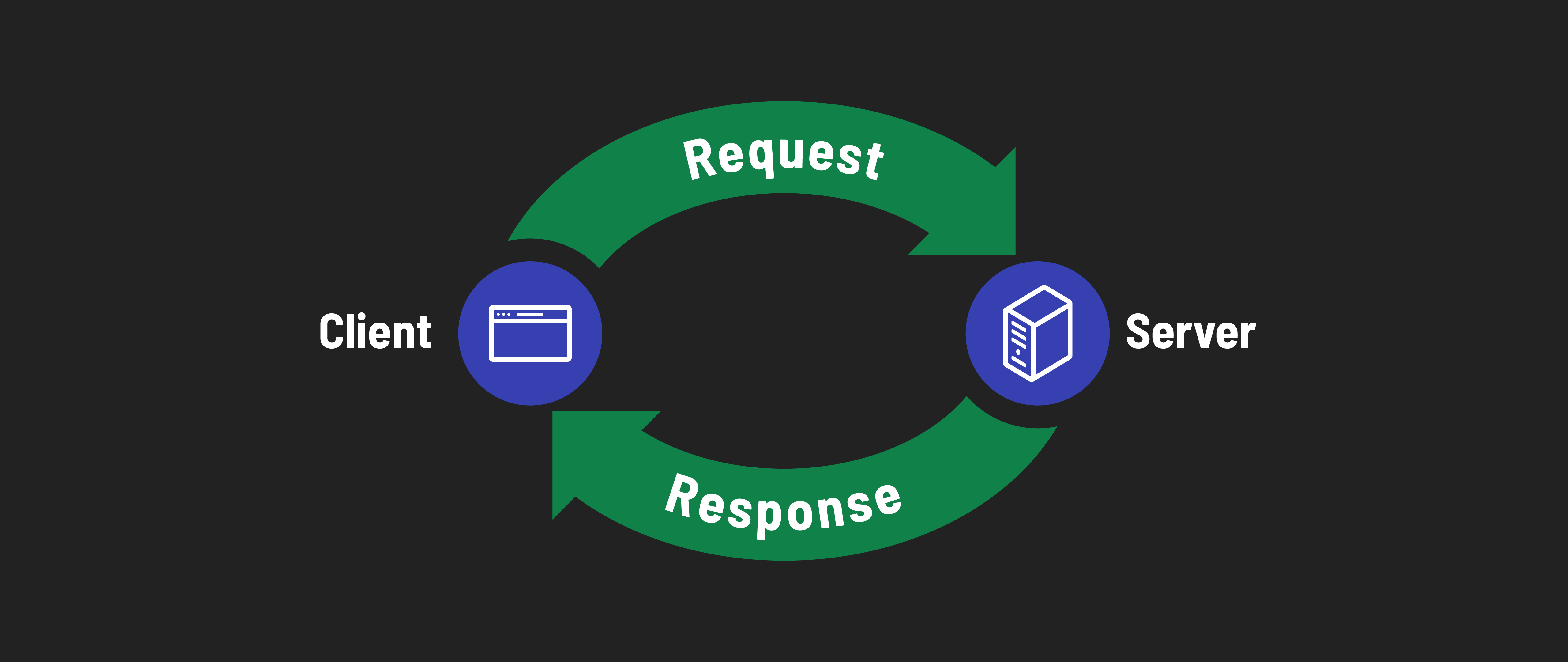
In everyday conversation, the terms client and server are often used to describe physical devices. Typically, when people hear the term server, they imagine a large, powerful computer housed in a data center. Similarly, the term client is commonly associated with personal devices, like desktop/laptop computers and smartphones. However, these terms have different meanings in the context of web development.
In web development, client and server describe the functions of different software processes. Understanding the interaction between the client and the server is fundamental. Let’s break it down into simpler terms:
-
Client Software: The primary role of client software is to create requests for various services. For instance, when you want to visit a website, your browser (acting as the client) sends a request to fetch data from a webpage.
-
Server Software: The primary role of server software is to respond to requests for services. This operates at the other end of the client-server relationship. When your browser, acting as the client, requests a webpage, this request is handled by the server software. Although the physical server might be located in a remote data center, we focus on the capabilities of software, not physical machines.
📚 As a developer, it’s essential to understand that the terms client and server refer to roles played by software, not physical devices. The term services is broad and encompasses various actions a server might perform in response to the client’s requests, such as retrieving the correct webpage, processing data, or performing specific tasks.
Why does this matter for full-stack developers?
As a full-stack developer, you’ll work with code running on the client (what the user interacts with in the front-end) and the server (on the back-end, which the user doesn’t interact with directly). Understanding client/server distinction is important for many reasons:
- During development, you’ll be sending requests from your local client (like a browser or a testing tool) to your local server, mimicking the real-world process.
- You’ll often set up a server on your own computer for development and testing. This allows you to run and test your app as if it were live on the internet.
- Understanding whether an issue originates from the client or the server side can greatly streamline the debugging process.
- Having an appreciation for the roles of a both the client and server is essential for understanding how to construct well-architected applications.
Remember, in this context, we’re focusing on the software part of clients and servers, not the physical devices.