Java Control Flow Conditional Branching Statements
Learning objective: By the end of this lesson, you’ll be able to compose conditional branching statements in Java, allowing you to create decision paths.
Java block statements
Before we dive into conditional branching, let’s quickly discuss block statements in Java.
A block statement in Java is a group of zero or more statements enclosed within curly braces {}. It combines multiple statements into a single unit or scope. Variables declared inside a block are local to the block and cannot be accessed outside of it.
Syntax:
{
    // Statements go here
    statement1;
    statement2;
    // and so on...
}
Understanding statement blocks helps you organize your code into reusable, logical sections, improving readability and debugging efficiency. It’s the foundation of structured programming. In the context of Java control flow manipulation, block statements gather all the statements that represent an independent branch to be executed conditionally or iterated repetitively.
An introduction to conditional branching control flow
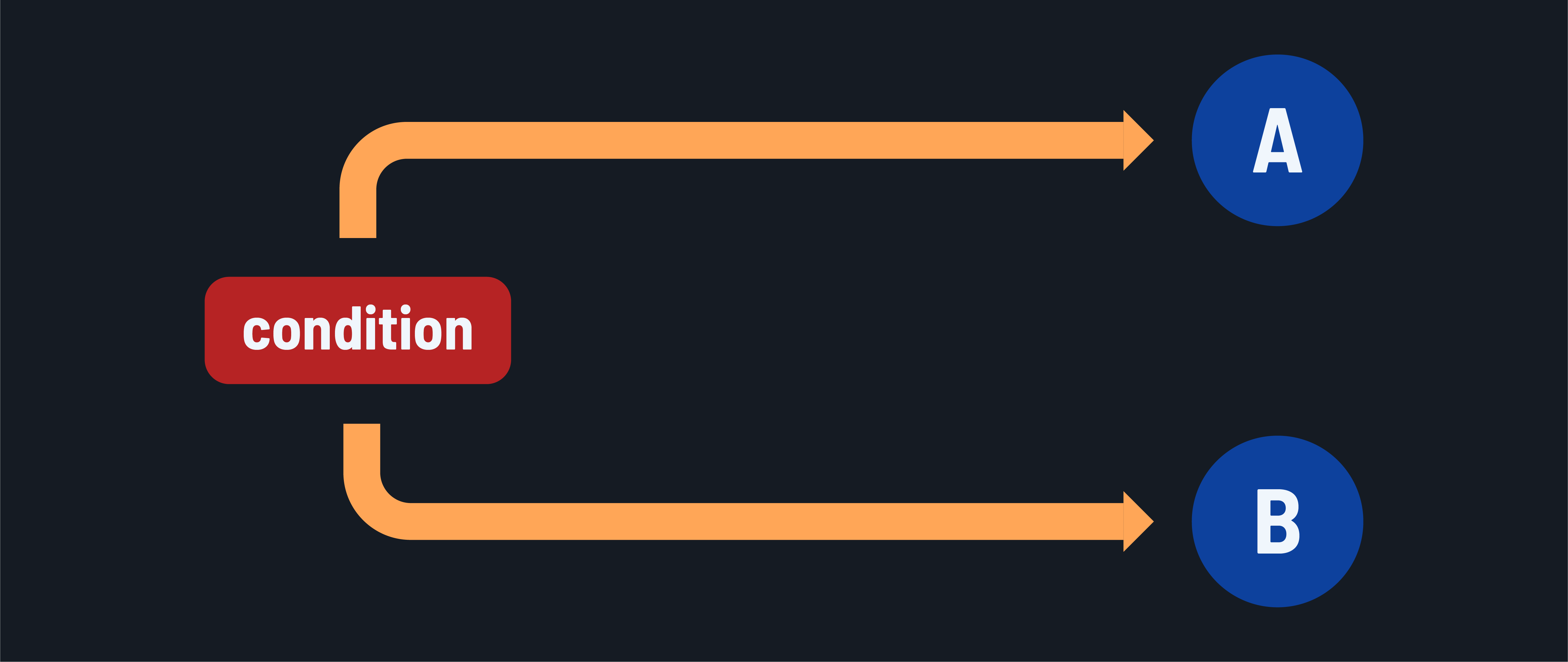
Conditional branching statements in Java allow a program to execute specific block statements based on conditions. These statements evaluate expressions using conditional operators and decide which code path to execute based on the result. The conditional branching options in Java are:
ifstatementif-elsestatementif-else-ifladderswitchstatement
if Statement
The if statement executes a block statement only if a condition evaluates to true. It is used for simple ‘to execute or not to execute’ scenarios.
Syntax:
if (condition) {
    // Statements to execute if the condition is true
}
Example: Check if a store is open based on the current hour. Also determine if it is morning.
int hour = 14; // Current hour in 24-hour format.

if (hour >= 9 && hour <= 21) {
    System.out.println("The store is open.");
    // Prints: The store is open.
}

if (hour < 12) {
    System.out.println("It is morning.");
    // Not executed, so nothing prints.
}
🧠 You may be used to the concept of truthy and falsey values in other programming languages. Java doesn’t have this same exact idea because it won’t allow for automatic conversion of types. All boolean conditions must explicitly evaluate to
trueorfalse.
if-else statement
The if-else statement executes one block of code if the condition is true or a different block if it is false. It is used for either-or branching scenarios.
Syntax:
if (condition) {
    // Statements to execute if the condition is true
} else {
    // Statements to execute if the condition is false
}
Example: Check if it is morning or afternoon.
int hour = 14;

if (hour < 12) {
    System.out.println("It is morning.");
    // Not executed, so nothing prints.
} else {
    System.out.println("It is afternoon.");
    // Prints: It is afternoon.
}
if-else-if ladder
The if-else-if ladder creates three or more possible paths, each with different conditions. Only one block of code will be executed.
In this ladder, the conditional expression of each if/else if rung is evaluated in sequence until one is true. It is used for multiple control flow branching scenarios, each based on its own Boolean expression evaluation.
Optionally, a final else statement block can be executed if the if statement and all the else if statements are evaluated as false.
Syntax:
if (condition1) {
    // Code to execute if condition1 is true
} else if (condition2) {
    // Code to execute if condition2 is true
} else {
    // Code to execute if all conditions are false
}
Example: Categorizing a person’s age group
int age = 25;

if (age < 13) {
    System.out.println("Child");
    // Not executed, so nothing prints.
} else if (age < 20) {
    System.out.println("Teenager");
    // Not executed, so nothing prints.
} else if (age < 60) {
    System.out.println("Adult");
    // Prints: Adult
} else {
    System.out.println("Senior");
    // Not executed, so nothing prints.
}
Order is important when constructing a ladder. Consider this code:
int age = 6;

if (age < 60) {
    System.out.println("Adult");
    // Prints: Adult
} else if (age < 20) {
    System.out.println("Teenager");
    // Not executed, so nothing prints.
} else if (age < 13) {
    System.out.println("Child");
    // Not executed, so nothing prints.
} else {
    System.out.println("Senior");
    // Not executed, so nothing prints.
}
These code paths:
else if (age < 20) {
    System.out.println("Teenager");
} else if (age < 13) {
    System.out.println("Child");
}
Would never be executed because nothing will meet these conditions that don’t also meet the first age < 60 condition.
switch statement
The switch statement evaluates a variable and matches its value against multiple cases, executing the corresponding case statement block. The default statement block is executed if there is no matching case. It is used for multiple control flow branching scenarios based on a single variable’s value.
Syntax:
switch (variable) {
    case value1:
        // Code to execute if variable == value1
        break;
    case value2:
        // Code to execute if variable == value2
        break;
    // Additional cases...
    default:
        // Code to execute if no cases match
}
Example: Deciding the type of coffee based on the order number entered in a coffee machine.
int orderNumber = 2;

switch (orderNumber) {
    case 1:
        System.out.println("Espresso");
        break;
    case 2:
        System.out.println("Latte");
        break;
    case 3:
        System.out.println("Cappuccino");
        break;
    default:
        System.out.println("Unknown order");
}
// Prints: Latte
In this case, the switch statement compares orderNumber to each case (1, 2, and 3) and evaluates the expressions beneath them if there’s a match. It uses == in the case of primitives like integers, to evaluate equality.
The default clause is optional.
break;
Breaks are critical. If you don’t include a break statement, the code in the following cases will be evaluated, causing unintended consequences.
For example, if you eliminate the break statements from the example above:
int orderNumber = 2;

switch (orderNumber) {
    case 1:
        System.out.println("Espresso");
    case 2:
        System.out.println("Latte");
    case 3:
        System.out.println("Cappuccino");
    default:
        System.out.println("Unknown order");
}
The result would be:
Latte
Cappuccino
Unknown order
This isn’t what we intended.