Java Control Flow Looping statements
Learning objective: By the end of this lesson, you’ll be able to implement looping constructs in Java to control program flow and execute code blocks repeatedly.
An introduction to looping control flow
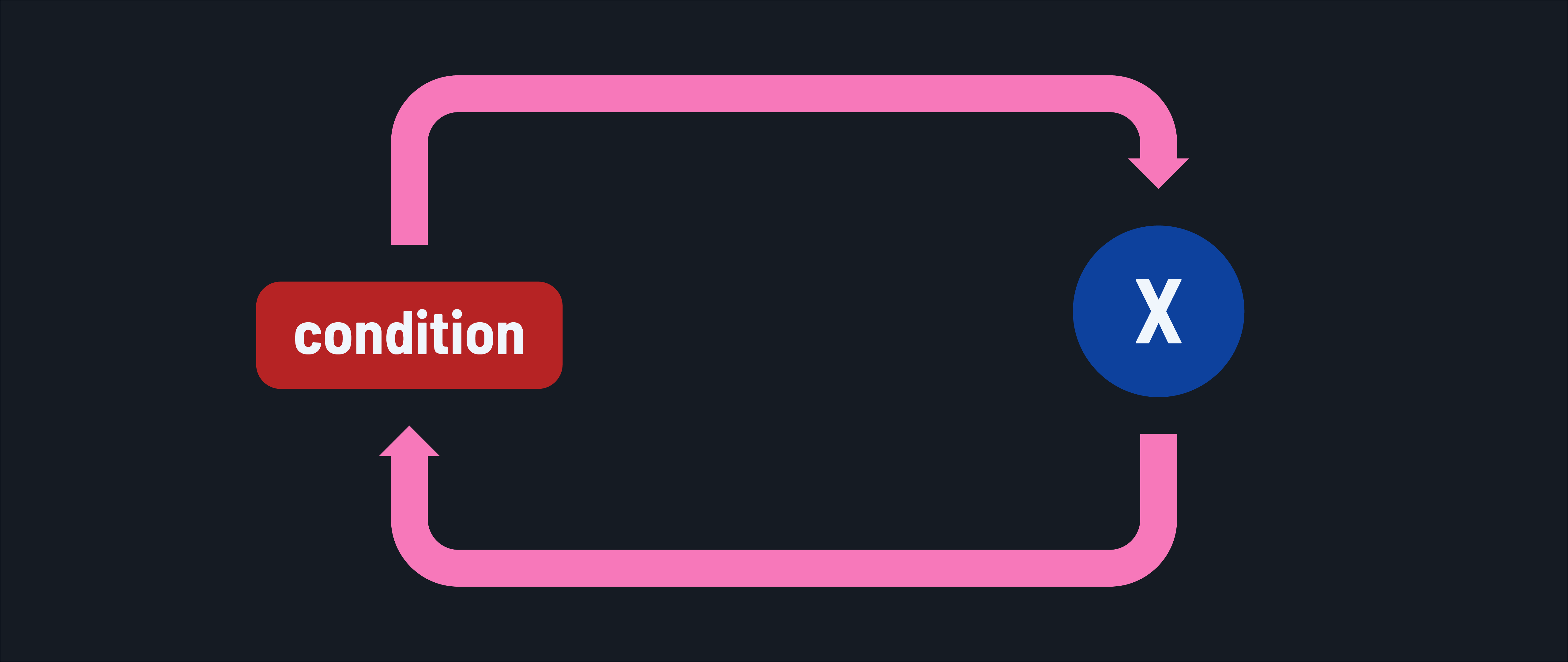
Loops in Java allow repetitive execution of a statement block as long as a condition is met. Java provides three principal looping constructs:
forloopswhileloopsdo-whileloops
⚠️ Creating infinite loops that break applications with these constructs is a distinct possibility. Use some caution when working with them!
for loops
A for loop is used when the number of iterations has already been determined before beginning the iterations.
Here’s the syntax. Notice the placement of the semicolons:
for (initialization; terminationCondition; update) {
    // The loop body. These statements execute on each iteration.
}
Let’s break down each part with an example that prints the numbers 1 to 5.
for (int i = 1; i <= 5; i++) {
    System.out.println(i);
}
// Output:
// 1
// 2
// 3
// 4
// 5
-
Initialization:
int i = 1;- Executed once before any other code.
- The lifespan of
iis limited to within theforloop. Only the code in this block can access it.
-
Termination condition:
i <= 5;- Executed before each iteration.
- If it evaluates to
true, the code in the loop will be executed. - If it evaluates to
false, then the loop will not be executed, and normal control flow will resume.
-
Update:
i++- This is commonly referred to as the increment/decrement step, as those are the common actions carried out here.
- Executed after the code in the loop body is executed on each iteration.
while loops
A while loop is used when the number of iterations can’t be determined and depends on a condition.
Here’s the while loop syntax:
while (condition) {
    // Statement block to execute repeatedly while the condition is true
}
Let’s implement an example of counting the number of steps taken in a day until the goal of 10,000 steps is reached.
int steps = 0;
int goal = 10000;

while (steps <= goal) {
    steps += 2000;
    // Simulate taking 2000 steps - realistically, this may be an external service
    System.out.println("Current steps: " + steps);
}
// Prints:
// Current steps: 2000
// Current steps: 4000
// Current steps: 6000
// Current steps: 8000
// Current steps: 10000
This simple example isn’t the best use case, but it does provide an example of the proper syntax.
do-while loops
A do-while loop is used when you need to execute the looped statement block at least once, regardless of the while condition. Here’s the syntax:
do {
    // Statement block to execute repeatedly
} while (condition);
In this example, we’ll ask for a password repeatedly until the correct password is entered.
String correctPassword = "java17";
String enteredPassword;
int attempts = 0;

do {
    enteredPassword = "java" + attempts; // Simulate user input
    System.out.println("Attempting with: " + enteredPassword);
    attempts++;
} while (!enteredPassword.equals(correctPassword));

// Prints:
// Attempting with: java0
// Attempting with: java1
// Attempting with: java2
// ...
// Attempting with: java17
Note the logical difference between a do-while loop and a while loop. The code in the body of a do-while loop is always executed at least once, regardless of the condition.