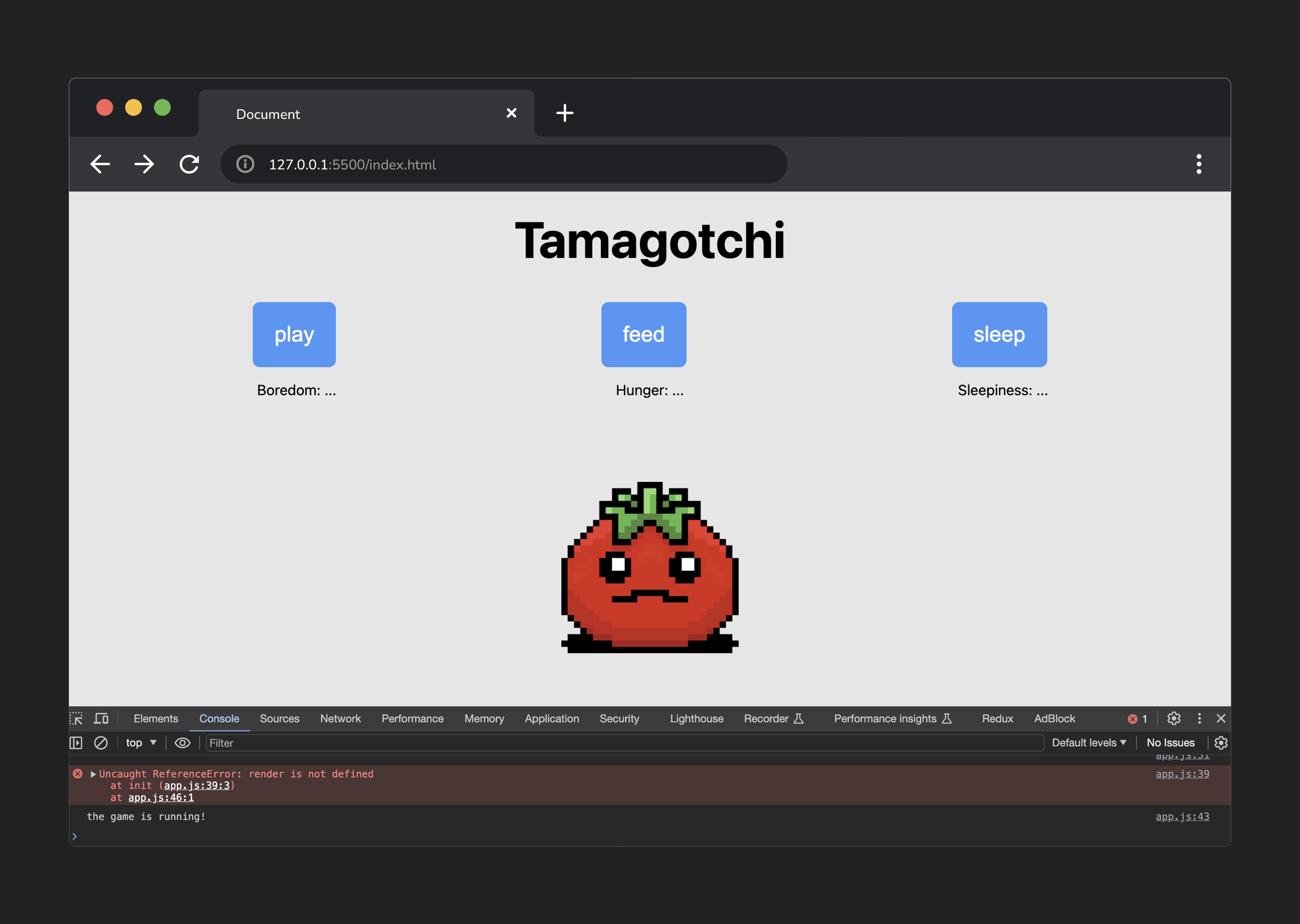
Tamagotchi Lab Exercise Parts 1-3
Step 1
Define the variables used to track the state of the game.
a. Create an object called state and give it three properties: boredom, hunger, and sleepiness. Each property will have an initial value of 0.
b. Use a variable named timer to store the timer for the game.
c. Use a variable named gameOver to present if the player has lost the game.
💡 b and c will not need to hold a value when they are defined.
Step 2
Store cached element references.
a. Make 3 constants to store the spans inside the ‘stat-display’ section.
As an example, in a constant called
boredomStatEl, store the element with an id ofboredom-stat.
b. Make 3 constants to store the button elements inside of the ‘controller’ section.
As an example, in a constant called
playBtnEl, store the element with an id ofplay.
c. In a constant called gameMessageEl, store the element that displays the game’s status on the page.
d. In a constant called resetBtnEl, store the button element that will allow the player to play again.
🚨 Don’t forget to console.log() your cached element references to ensure you’ve grabbed the correct elements!
Step 3
Upon loading, the game state should be initialized, and a function should be called to render this game state.
a. Create a function called init.
b. Call this init function so that it is invoked when the app loads.
🚨 Add a
console.log()as a confirmation check inside this function. This helps to ensure you’re calling the function you just created correctly!
c. Set gameOver to false.
d. Inside of the init() function, assign timer to a setInterval() function. Pass setInterval a function named runGame() (we will create it in the next step) as the first argument, and 2000 as the second argument.
e. Create a function named runGame. For now, the only job of the function should be to log 'the game is running!'
💡 Check your console to confirm this is working - you should see
the game is running!log to the console every 2 seconds.
f. Finally, call a function named render().
🚨 As we have not made this function yet, this will throw an error until you complete step 4a!