Playing Audio in the Browser Setup
Setup
Open your Terminal application and navigate to your ~/code/ga/lectures directory:
cd ~/code/ga/lectures
Fork the playing-audio-in-the-browser-starter-code repository.
Clone a copy of your remote repo locally by using the git clone command:
git clone https://git.generalassemb.ly/<your-username>/playing-audio-in-the-browser-starter-code.git
📚 Note: In the link above, where it says
<your-username>, you should see the username from your GitHub account.
Next, cd into your new cloned directory, playing-audio-in-the-browser-starter-code:
cd playing-audio-in-the-browser-starter-code
Open the project’s folder in your code editor:
code .
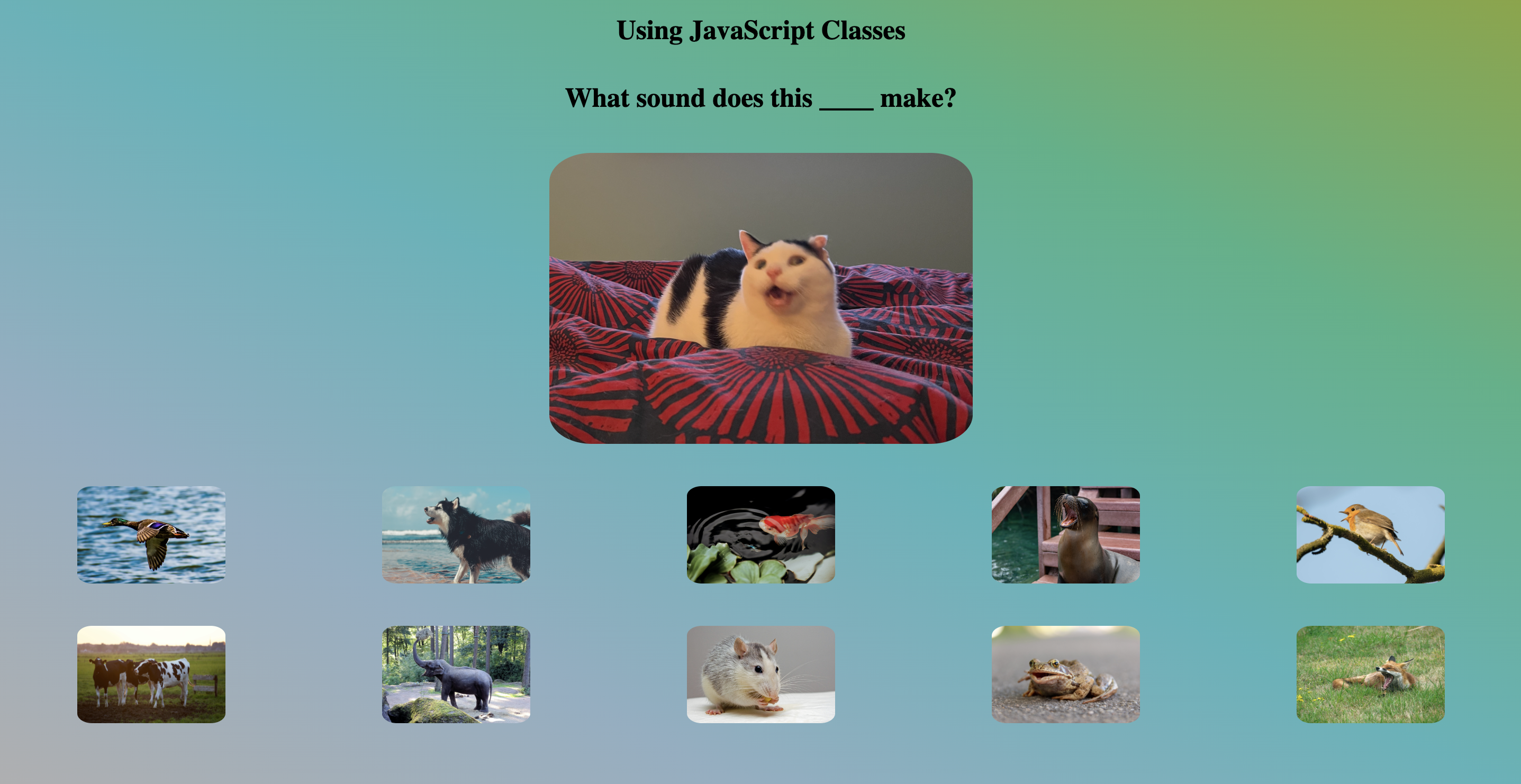
Open your index.html file in the browser. You should see something like this: