React Router DOM Lab Send and Receive Letters
Overview
In this level up, you will add the functionality for creating and reading letters within the post office app.
Take a look at the screenshots below as reference:
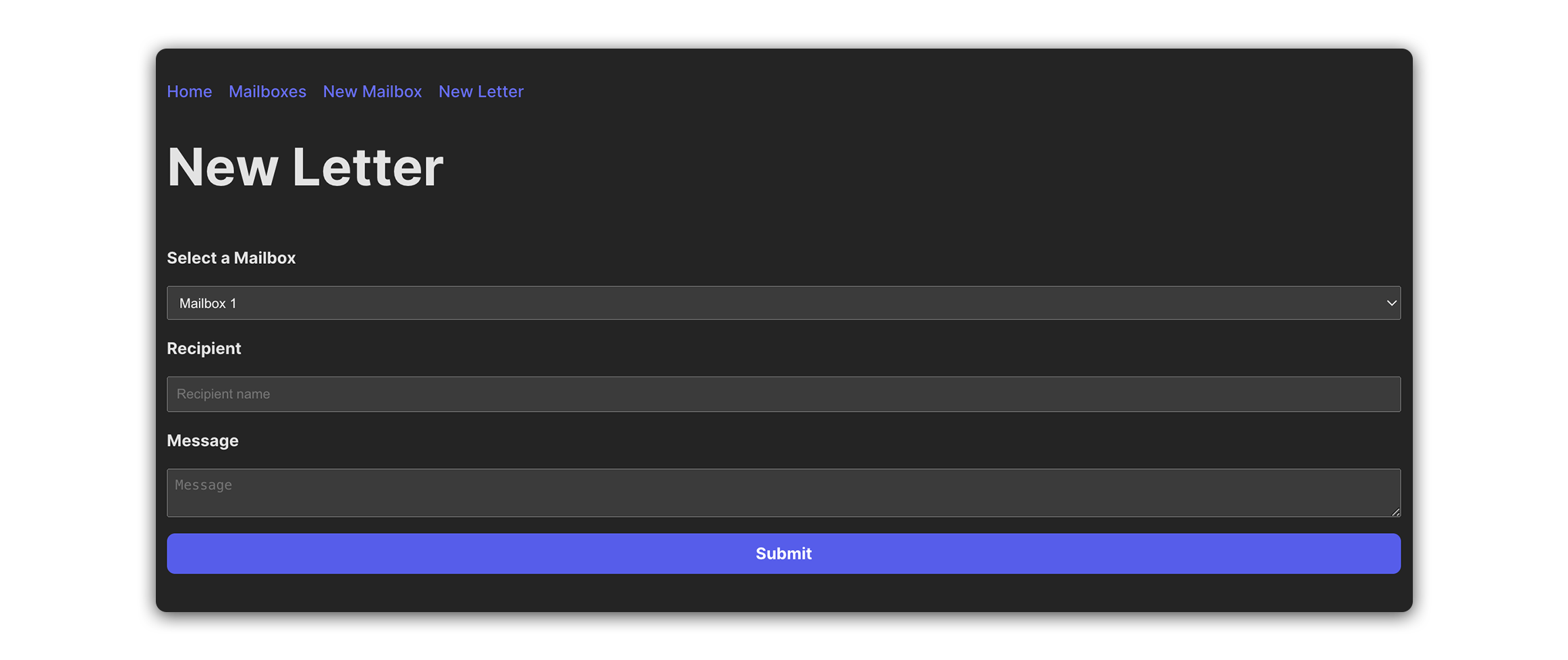
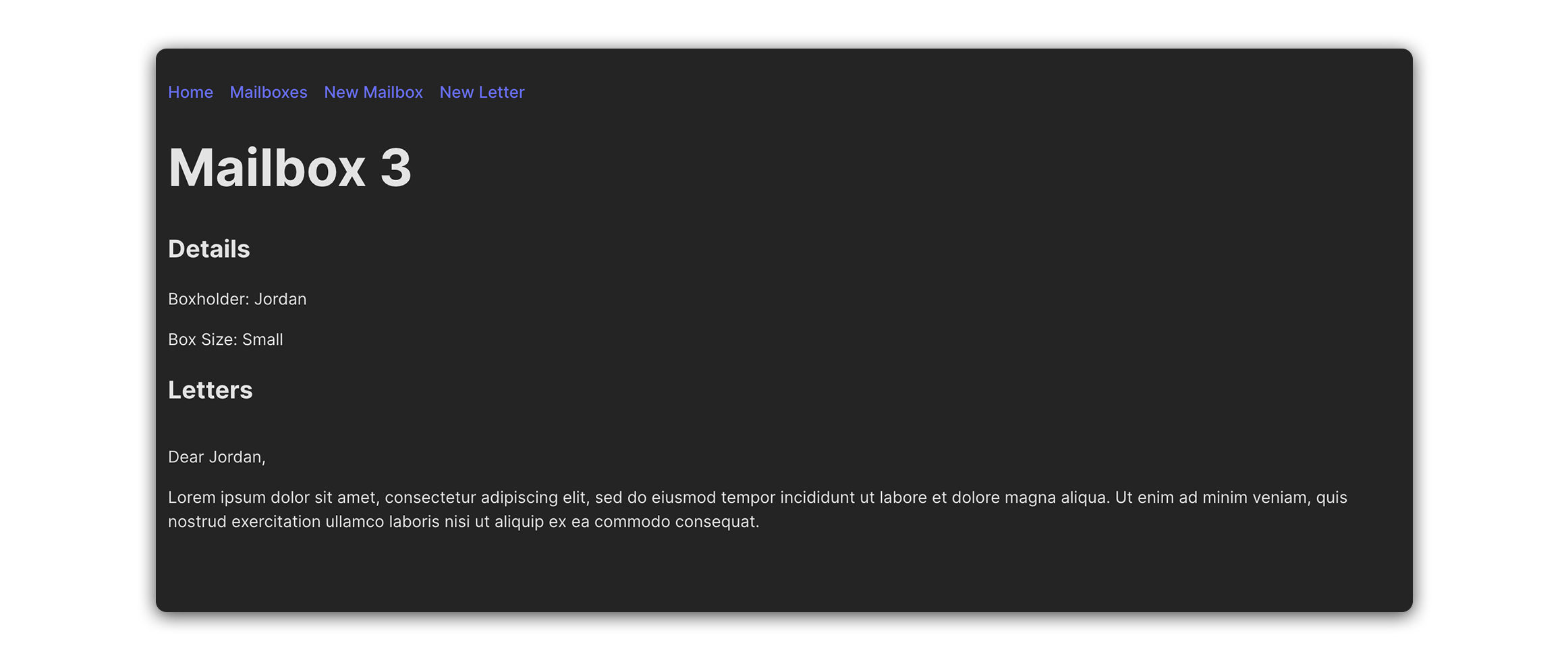
Exercise
Here are the user stories to guide you through the process:
-
Create a new component called
LetterForm.jsxand import it at the top ofsrc/App.jsx. -
In
src/App.jsx, create a newuseStatevariable calledletters. Set its initial state to an empty array ([]). -
In
src/App.jsx, build the scaffolding for a new function calledaddLetter. It should accept form data for a new letter andsetLettersstate accordingly. -
Implement the following user stories:
-
As a user, I want to be able to send letters to specific mailboxes.
-
As a user, I should be able to click on a ‘New Letter’ link in the nav bar. Doing so should navigate me to a ‘New Letter’ page.
-
As a user, when viewing the ‘New Letter’ page, I should see a
<form>with a<select>menu for the box number (_id) that I wish to send a letter to. The<select>menu should have options for all existing mailboxes. The<form>should also have an<input>for the recipient name, and<textarea>for my message. -
As a user, when I submit a new letter, I should be redirected to the ‘MailboxDetails’ page of the respective mailbox.
-
As a user, when viewing the ‘MailboxDetails’ page, I should see a list of all the letters that have been send to that mailbox.
-
Hints
-
The
lettersuseStatevariable will be used to store an array of objects, each object representing a letter. Each letter object should adhere to the shape outlined below:{ mailboxId: 0, recipient: '', message: '', }; -
To enable your users to
<select>a mailbox when writing a letter, you will want to passmailboxesstate down tosrc/components/LetterForm/LetterForm.jsx, and use themap()method to generate a collection of<option>tags within the<select>menu. -
The
useParams()hook should be useful for displaying thelettersof a particular mailbox insrc/components/MailboxDetails/MailboxDetails.jsxYou can use the value extracted from the URL params tofind()a specific mailbox inmailboxesstate.// src/components/MailboxDetails/MailboxDetails.jsx const { mailboxId } = useParams(); const selectedLetters = props.letters.filter((letter) => ( letter.mailboxId === Number(mailboxId) ));