React State Management Concepts
Learning objective: By the end of this lesson, students will be able to describe the concept of state in React and how it determines behavior, appearance, and the rendering and re-rendering of components.
React state
Think of state as the present status or condition of something. How you feel right now could be described as your mental state.
Similarly, state in React can be thought of as the present status of a component. It holds the answers to questions like “Has a user selected something?” or “What is the current input value of a form?”
As code, state reflects a component’s current attributes or conditions. Any type of data can be put into state - strings, objects, arrays, etc.
State as an analogy
To understand state in a more tangible way, let’s compare a component to an everyday object - an oven. Think about the features of an oven. Ovens have controls to set the temperature, a light, and maybe even a built-in timer for tracking cooking time.
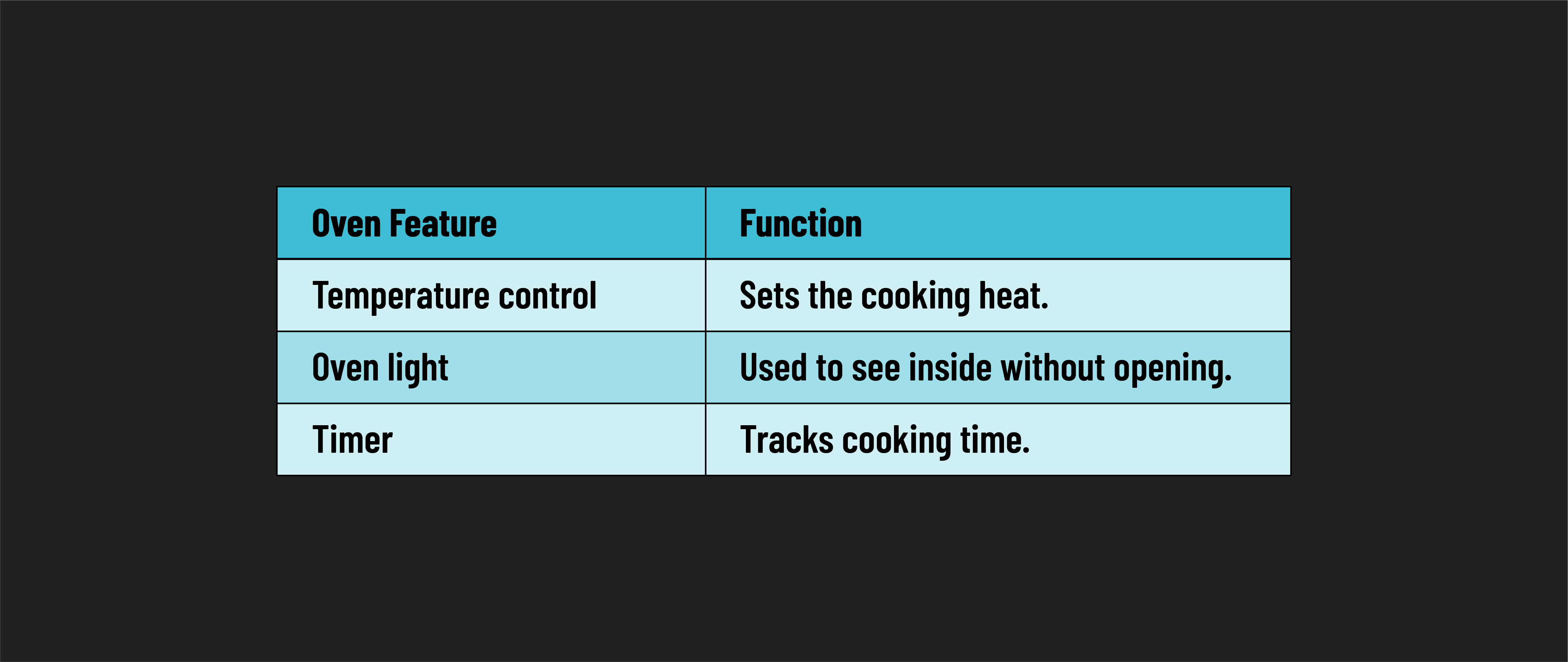
By interacting with these controls, users can alter the state of the oven.
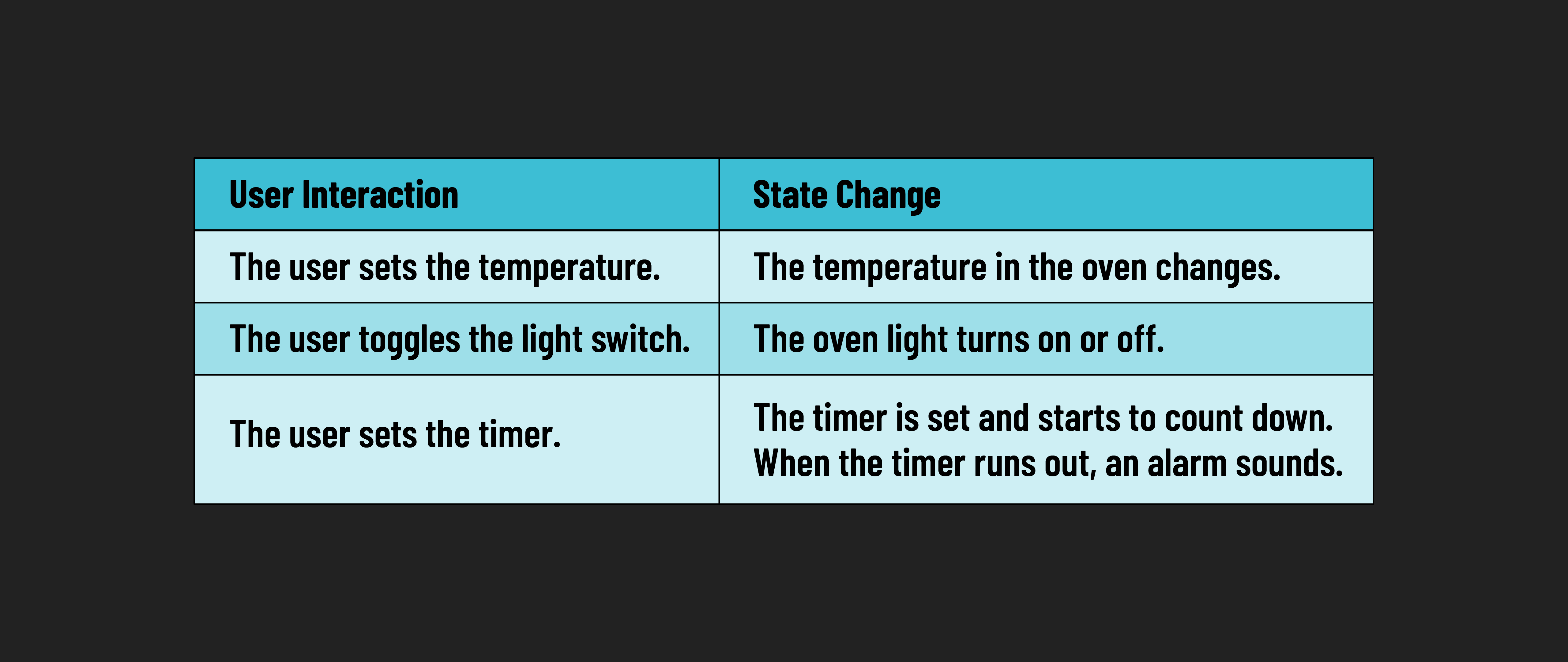
Imagine you were baking a cake. As part of this process, you would interact with the oven in very specific ways, such as:
- Setting the temperature to 350 degrees.
- Setting the timer to 30 minutes.
- Turning on the light to check on the cake when the timer goes off.
In each instance, the user modifies a setting, and the oven adapts to these changes. This mirrors how a user’s interactions influence a React component’s state.
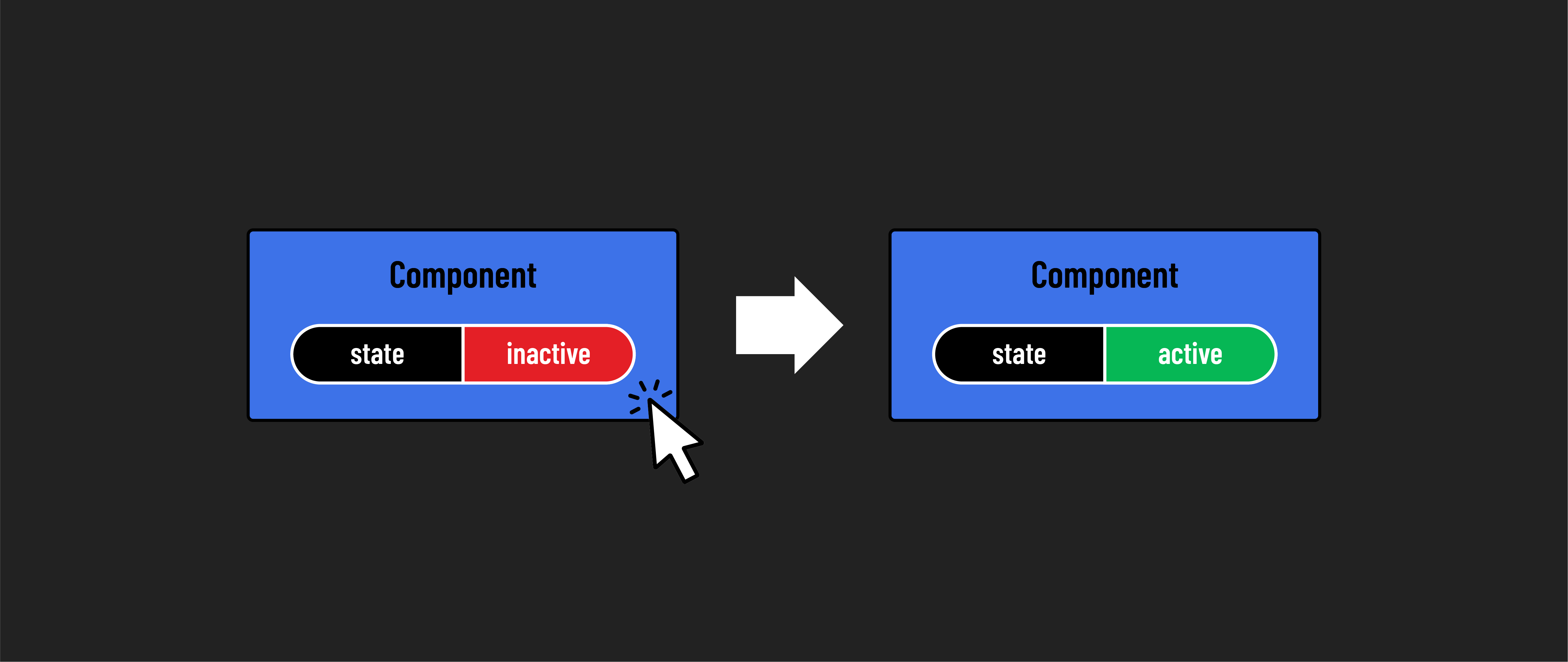
Much like operating an oven, interacting with a web application typically involves specific user actions that trigger state changes in its components. For example, clicking a button might change a component’s state to hide or show a form.
State changes don’t have to be triggered by a user though - think back to the timer on the oven - the state of the oven is changing as the timer is counting down. This happens indirectly after the user starts the timer.
Each React component, like an individual appliance, has a distinct function and maintains its own state, separate from other components.
Just as kitchen appliances collaborate to facilitate cooking, React components work together, each contributing to the application’s functionality.
Rendering State
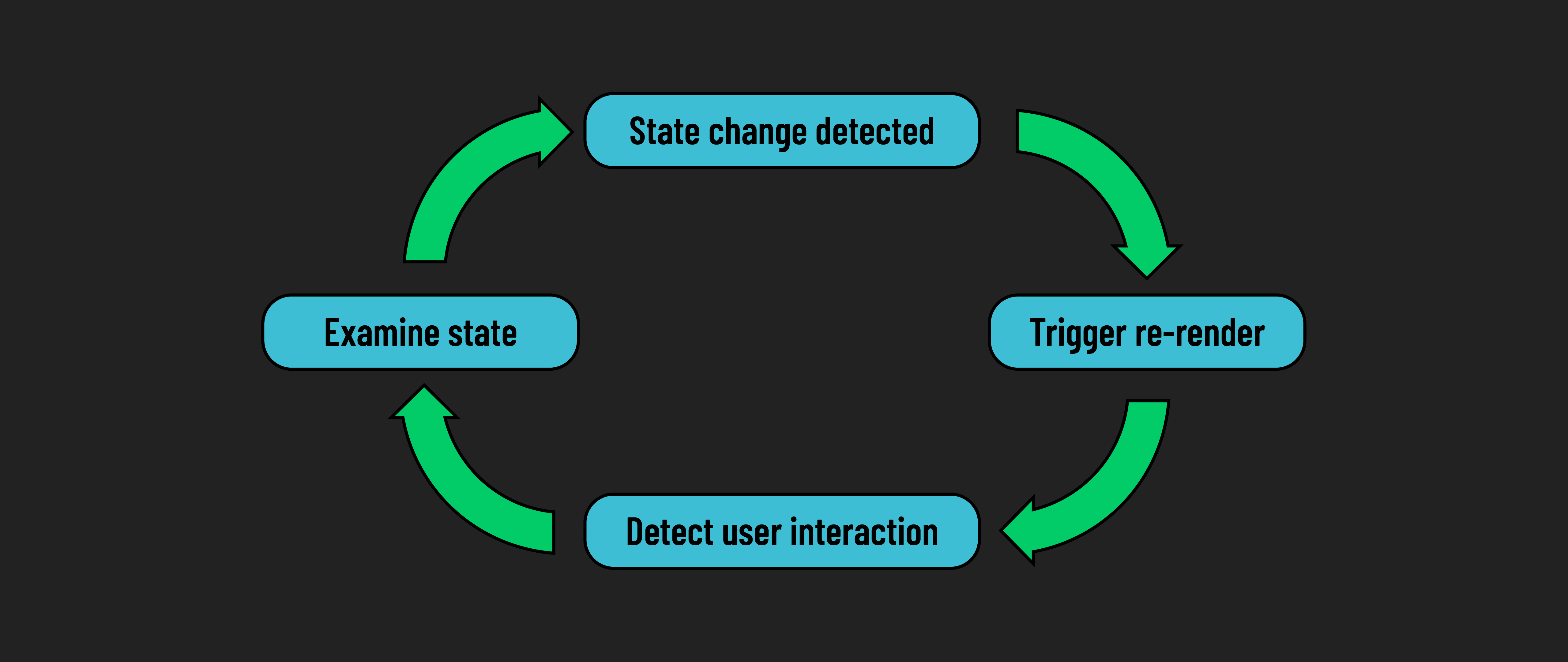
Before a component renders for the first time, React examines its state. This initial state influences the component’s appearance and behavior, including any conditional UI elements that must be displayed based on that state.
Every time a user interacts with the component, React checks if these interactions have altered the state. If the state has changed, React re-renders the component to reflect those changes.
Think of it in terms of our oven analogy: When you adjust the oven’s temperature, its display updates to show the new setting. Similarly, in a React component, any change in state can lead to a change in the component’s output. This ensures that what the user sees is always current.
This ongoing cycle of checking the state, rendering the component, and updating the render with each state change is fundamental to how React components function.
Changing state
It’s vital to understand that component state is managed by React.
This means you should never change state directly. You wouldn’t directly apply power to an oven’s heating elements to change the its temperature. Instead, you use the oven’s knobs or buttons and let the oven manage the rest.
In React, you use special functions to update the state. This helps React track when to update and show changes in your components.
Because we don’t change state directly, it’s easier to predict how your components will behave. Directly changing the state for a component would result in behavior like an oven display showing 425 degrees when the actual temperature is different. This can cause confusion and bugs in your UI.
Simply put, never directly alter the state of a component.
Legacy State
The way we manage state has changed as React itself has evolved. Originally, state was handled with class-based components. Now, we use a more straightforward and efficient method called hooks inside of function-based components.
Hooks are special functions that let you hook into React features like state management in components. As a beginner, focus on learning hooks, since they’re the current standard. While you might still see class-based examples online, always refer to hooks-based approaches for managing state in your work.